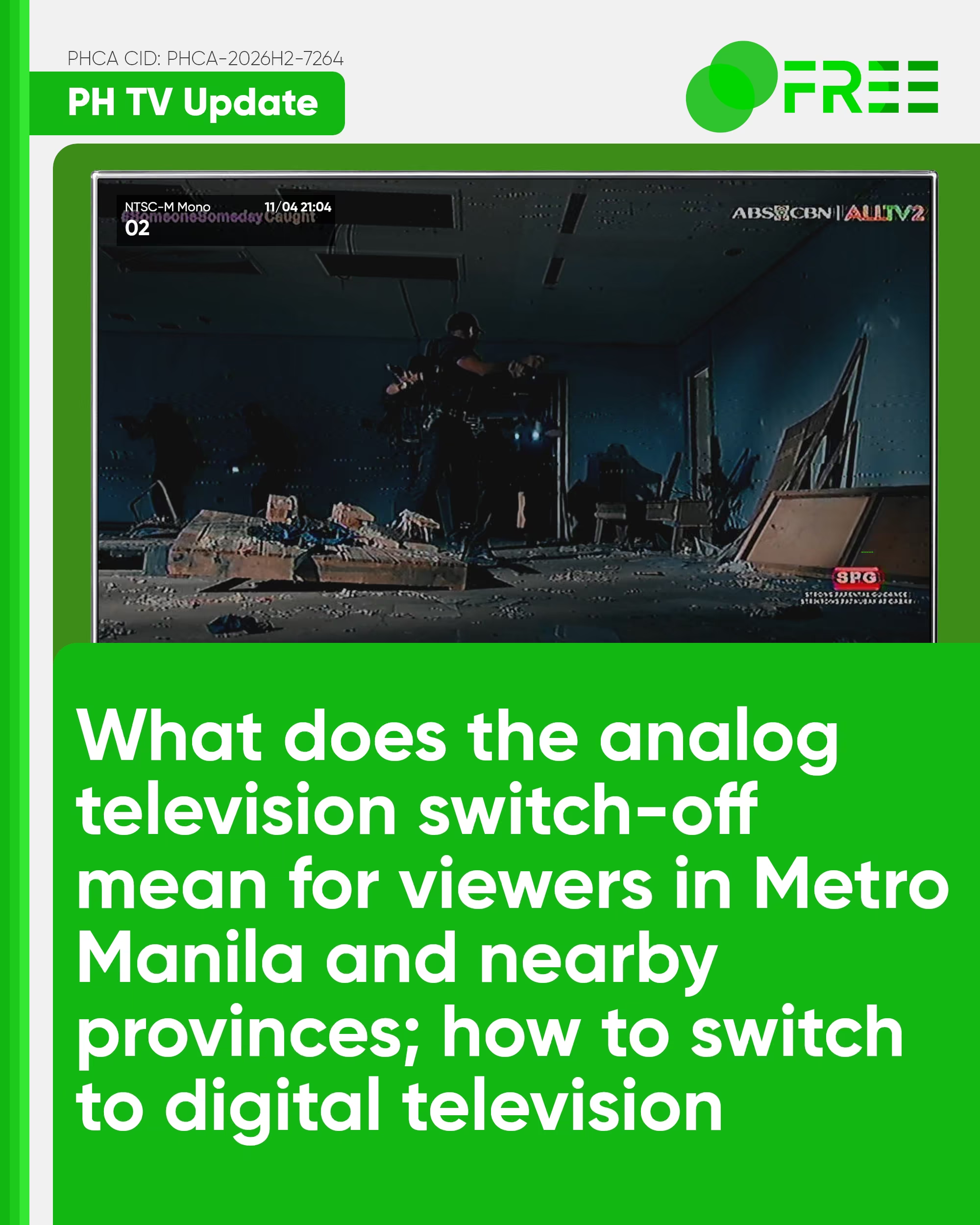
Within this month (November 2026), all television stations in Metro Manila that continue to operate on Analog television (NTSC-M) alongside digital television (ISDB-T) will switch off their broadcasts, affecting viewers located in all cities and provinces of Metro Manila, Bulacan, Rizal, and Cavite, and portions of Pampanga, Bataan, and Laguna.
What does analog switch-off mean to you?
What does it mean that once analog television has been switched off in Metro Manila, viewers will no longer watch their favorite programs and may need to purchase a digital set-top box or a digital-ready television set (both of which have an ISDB-T tuner, the television standard used in the Philippines, as well as in Japan, Latin America, Angola, and Botswana) combined with an antenna capable of receiving UHF broadcast signals.
The analog television in the Philippines began in 1953 when DZAQ-TV began its operations on channel 3. In November 2026, Metro Manila analog television channels 2 (ALLTV2), 4 (PTV), 5 (TV5), 7 (GMA), 9 (RPN-RPTV), 11 (Zoe-A2Z), 13 (IBC), 25 (NET25), 27 (GTV), 41 (NBC-One Sports), and 48 (CEBSI-INCTV) will no longer be broadcast to viewers located in these affected areas, and will only be seen exclusively in digital, alongside other channels formerly transmitted on analog before the government-mandated switch-off date, such as 21 (SBN-Solar), 23 (Aliw), 29 (RJTV), 31 (BEAM), 33 (Light TV), and 38 (UNTV).
The digital television broadcasts are allocated on Ultra-High Frequency channels 14 to 51 (ranging from 473.143 MHz to 695.143 MHz). Unlike analog broadcasts, which allocate only one channel into two different frequencies (one video and one audio) within the 6 MHz broadcast spectrum, digital broadcasts can allocate more than one channel per frequency in the same spectrum and can even provide additional features, including the electronic program guide (EPG), datacasting (BML), and emergency broadcast alerts (EWBS), alongside providing a clearer picture and stereo audio.
Viewers who are also watching through any pay TV provider are not affected by the switch-off. Additionally, viewers elsewhere in Metro Manila and nearby areas who are watching over-the-air broadcasts on analog are also affected by the analog switch-off, but it is scheduled on a different date, as this process is a form of phased transition, so it is advisable to switch to DTV at any time to avoid further inconvenience if their analog switch-off in other areas may soon take place.
How to switch to DTV?
If your television set is not digital-ready (i.e., capable of only receiving an analog signal), you can install a digital set-top box with an ISDB-T tuner. Your digital set-top box comes with an antenna, but if you wish to use your existing antenna (i.e., an outdoor antenna you used to receive the analog transmissions), you may install it by screwing the end of the coaxial cable to the antenna port labelled “RF IN”, “ANTENNA IN”, or “ANT IN”. Then connect the audio-video (AV or RCA) or HDMI cable to either of these ports at the back of the TV. Plug in both the TV set and the digital set-top box, switch on the TV, press the “SOURCE” or “INPUT” button on either the TV remote control or the TV’s buttons, and choose either “AV”, “VIDEO (x)”, or “INPUT” if your set-top box is connected through the AV/RCA cable, or “HDMI (x)” if you use the HDMI cable on your setup. Using the DTV remote control (insert the batteries first before using), complete the on-screen instructions and proceed with the channel scan.
If your TV is digital-ready, i.e., capable of receiving ISDB-T broadcast signals, you may press the “SCAN” button on your remote control to scan all available channels in your area.
To receive more digital channels in your area, place the antenna (that came with the set-top box) high up and away from electronic devices. If it doesn’t, you may need an outdoor antenna, but installation fees may apply if you need a professional installation of the antenna.
You may also subscribe to a pay television service via a provider that offers cable (copper-line), satellite (satellite dish), or through the internet (fiber), which includes Cablelink, Cignal, SatLite, GSat, Cignal via PLDT Home Fiber, or Sky TV via Converge FiberX or Sky TruFiber.
Stay in the loop with DRPS PHCA. Download the DRPS PHCA App on your Android phone from the Google Play Store. Follow us on Facebook, X/Twitter, Instagram, Threads, TikTok, and Medium. For more information about the DRPS Philippine Commercial Archives, visit DRPSPHCA.com.
© 2026 DRPS Philippine Commercial Archives (DRPS PHCA). All rights reserved. PHCA CID: PHCA-2026H2-7264/November 4, 2026.